Collect responses in a spreadsheet your team can use
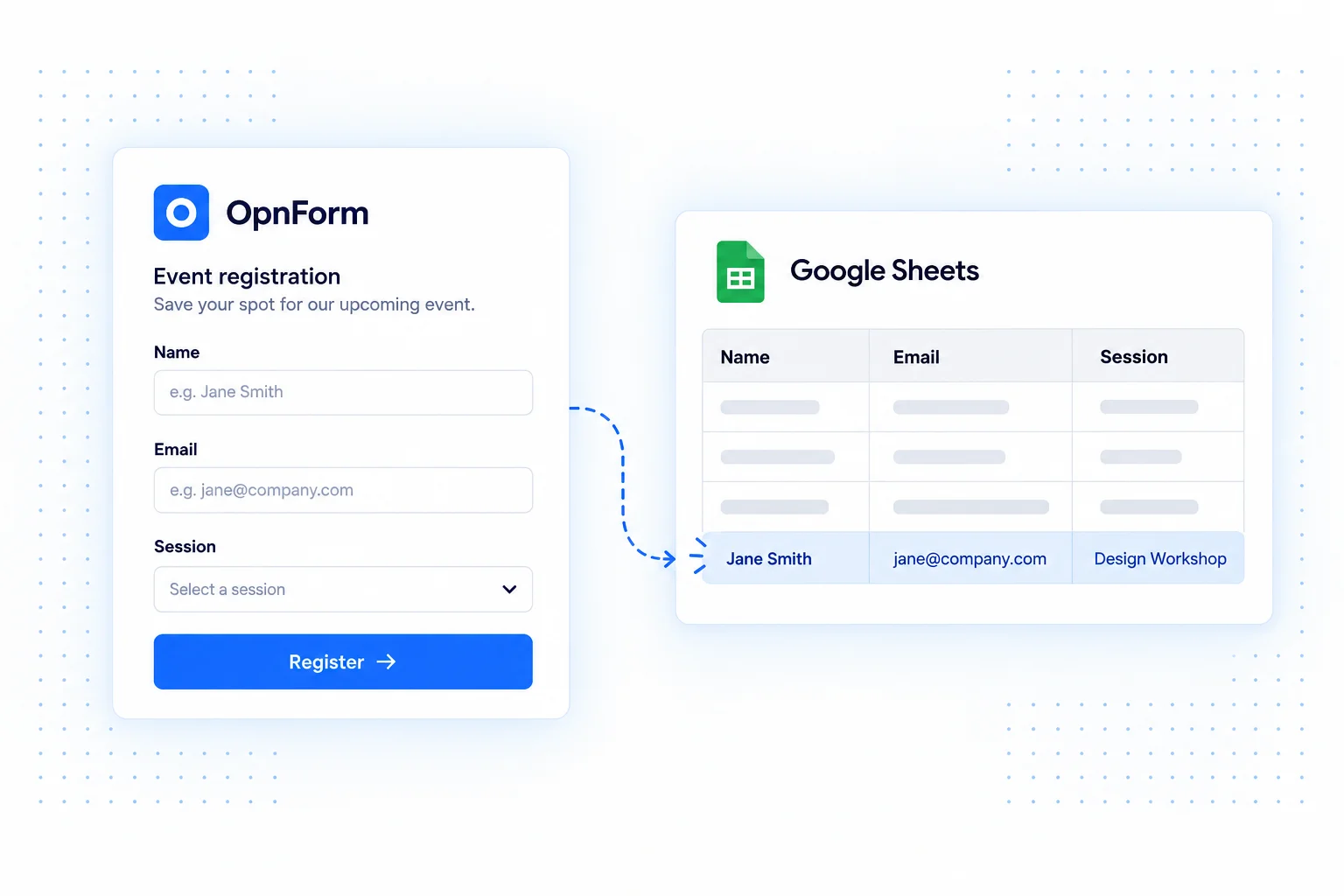
The Google Sheets integration adds a spreadsheet entry for each new form submission. Keep intake data organized in rows so your team can filter responses, review applications, or build reporting around the information you collect.
Connect your Google account from OpnForm and let the integration create its linked spreadsheet. Keep the form as the respondent-facing experience while using Sheets as a collaborative place to work with incoming data.
Google Sheets integration use cases
Maintain an event registration roster
Collect names, email addresses, and session preferences in OpnForm. Review the incoming rows in Sheets to prepare attendance lists and coordinate with organizers.
Track inbound leads
Send sales inquiries into a shared spreadsheet for a small team's review. Add your own follow-up process in Sheets, while keeping a consistent form for collecting the original request.
Review survey responses
Use spreadsheet filters and formulas to explore answers, group feedback, and prepare charts. The integration supplies the new response rows; your team defines the analysis.
Connect Google Sheets
- Open your form's Integrations tab and add Google Sheets.
- Connect a Google account, or select an existing connection with the required permissions.
- Save the integration and allow its linked spreadsheet to be created. Use Open on the integration to access it when ready.
- Submit a sample response and check that its values appear in a new row.
Keep the spreadsheet dependable
Choose an account that your team can maintain access to. Check the column layout after changing form questions, and test representative data such as optional answers and multi-select fields. Share the spreadsheet only with people who need its contents.
Common questions
Will editing a spreadsheet row update the form response?
This connection adds entries from submissions to Sheets. It is not a two-way editing interface for OpnForm responses.
Can I route data into a different spreadsheet workflow?
For custom field mapping, additional destinations, or more involved spreadsheet actions, build a workflow with Zapier or Make. Check the actions supported by your chosen platform.
Need a notification as well as a row? Add email alerts to the same intake process.